
Charge your watch in time, every time.
You know the feeling: a black screen right when you need your watch. Apple Watch only warns you at 20%, too late to top up. vaka taps your wrist in time, at the level you choose.
 vaka.now
Battery is around 50%, a good moment to charge.
Everyone knows the feeling of raising a wrist to a dead screen.
By the time Apple warns you, you're out the door, mid-run, or heading to bed with sleep tracking planned — and the watch won't make it. vaka is the “leave with a buffer” app: one quiet heads-up while charging is still an option.
Out the door
You raise your wrist — the screen is black. It died an hour ago.
Mid-run
The screen goes dark halfway through. No workout saved, no stats.
Bedtime
Sleep tracking planned. 22% — it won't make the night.
One tap at your level — hours earlier, while charging is still easy.
At night
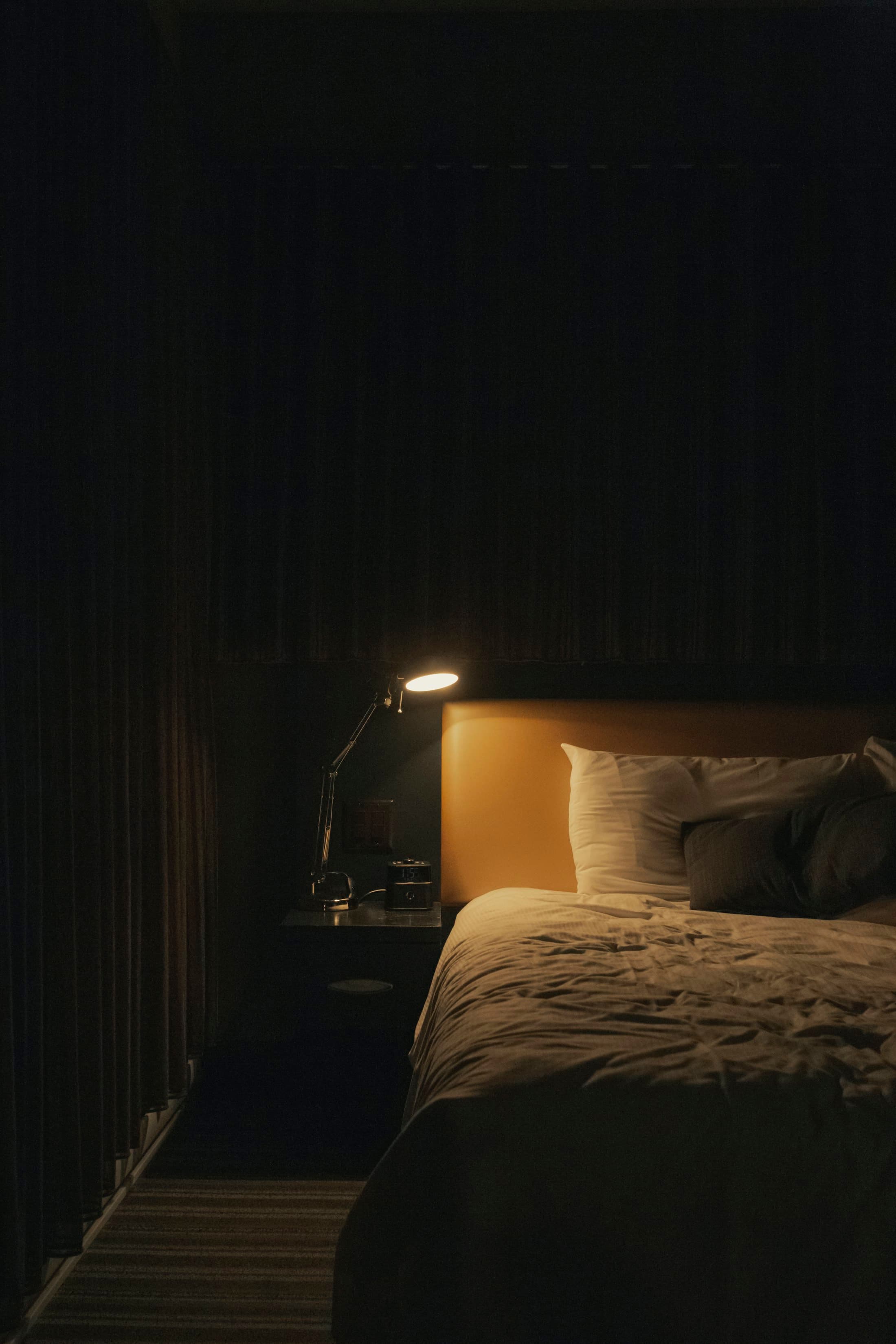
It keeps watch while you sleep.
Planning to track your sleep? vaka taps you at bedtime, while there's still time to top up — so a low battery never quietly ends the night halfway through.
How it works
Set your level on iPhone.
One slider, 25–90%. Pick the buffer that fits your day and you're done.
Your watch keeps vigil.
It checks its own battery in the background and taps your wrist as it drops past your level. The phone isn't needed — the watch does this on its own.
Glance anytime.
A watch-face complication shows your battery at a glance — and keeps vaka reliable in the background.
The app
See it on your wrist.
Two apps, one purchase: set your level on iPhone, and the watch keeps vigil — quietly, on its own.
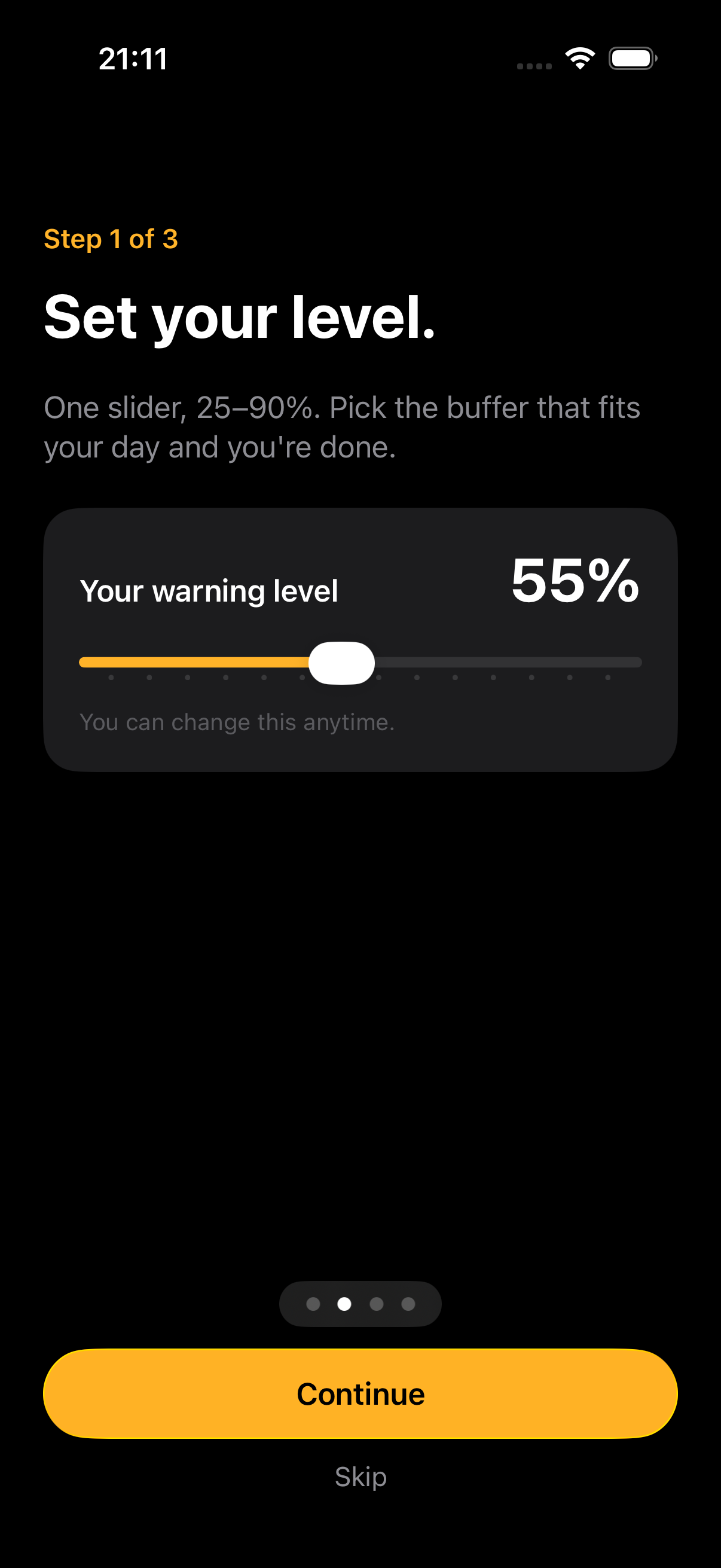
Set your level.
One slider, 25–90%. Choose it on iPhone, and the watch mirrors it.
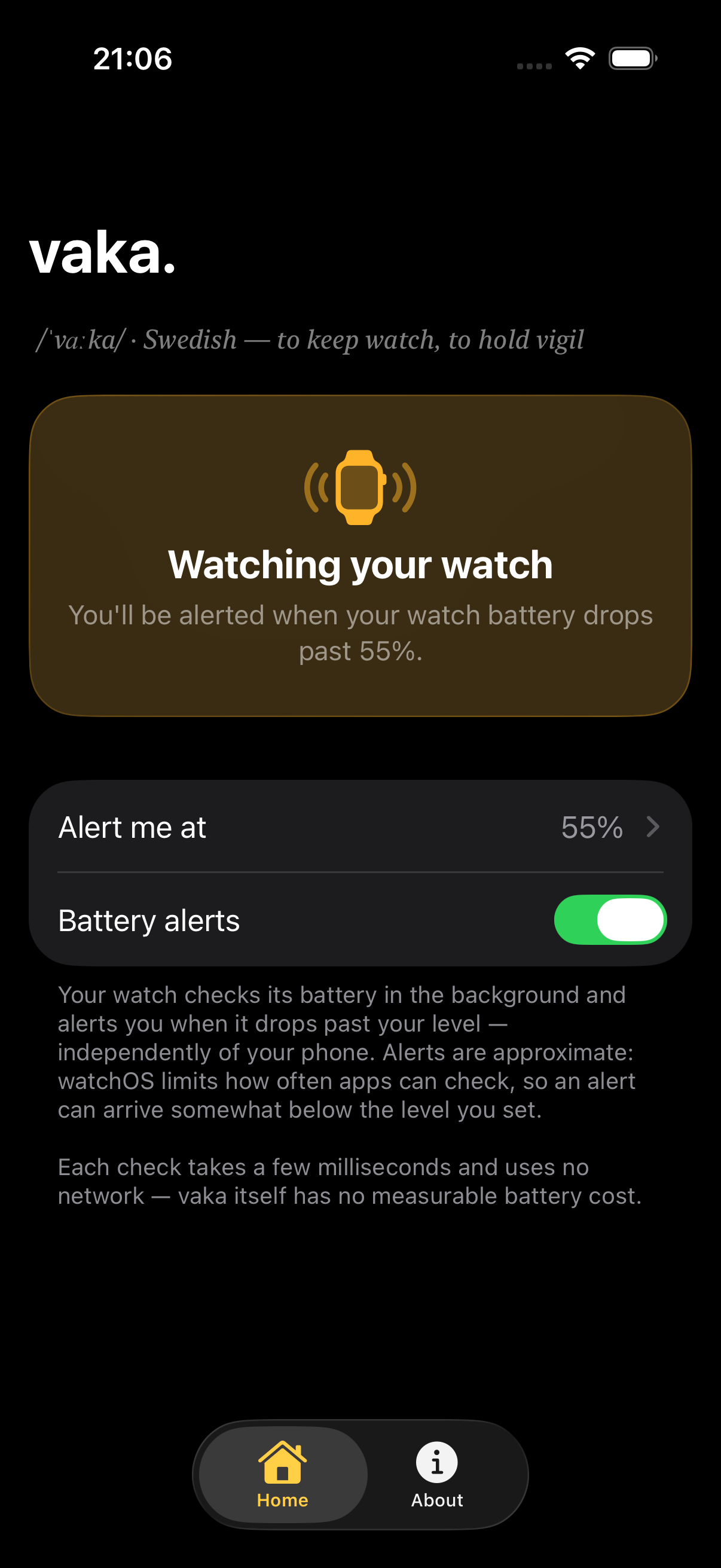
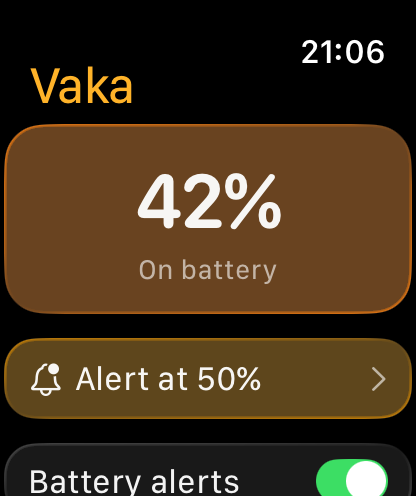
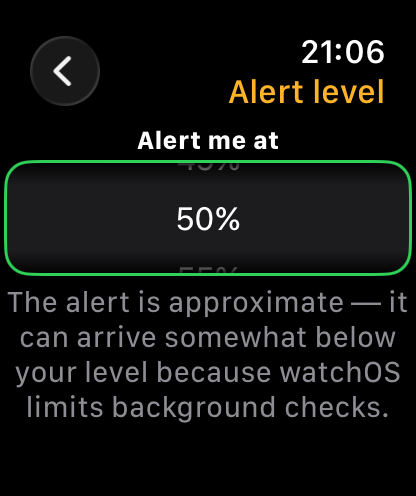
Glance anytime.
The watch shows its battery and your alert level at a glance — and keeps vaka reliable in the background.

On the go
Out the door with a buffer.
Mid-run or miles from a charger, the watch alerts on its own — no phone needed. You leave with enough battery for the workout, the commute, the day.
Your level, not Apple's.
The system gives you 20%. vaka gives you anywhere from 25 to 90% — your call, your schedule.
One calm heads-up.
One alert per discharge, never while charging. Can't top up right then? Snooze it with a tap — vaka comes back.
Works without your phone.
The watch alerts independently — phone in a drawer, on a plane, doesn't matter.
Feels native.
Built with Apple's latest design language — at home on your wrist like a first-party app.
Nothing leaves your wrist.
No account. No network. No data collection at all. This isn't a policy promise — the app has no networking code. Everything happens on your watch and phone, and stays there.
Good to know
Two apps in one purchase: an iPhone app for configuration and an Apple Watch app that does the monitoring and alerting. They install together automatically.
No. vaka is a one-time purchase — buy it once and it's yours forever, including every feature added later. No subscription, no extra unlocks.
Around it. watchOS limits how often background checks run, so an alert set at 50% may arrive at ~47% or slightly delayed — always with enough buffer to charge.
Snooze it with a tap, right from the notification — no need to open the app. Choose “Remind me later” and vaka comes back after a time you pick, or “Remind me lower” and it waits until the battery has dropped a bit further. Put the watch on the charger and the reminder cancels itself. A snooze only adds a reminder — it never touches your alert level.
One in v1. Charging automatically re-arms it for the next discharge, so there's nothing to reset. Several thresholds and per-day schedules are being explored — and like everything added to vaka, they'll be free for everyone who already owns it.
It's strongly recommended — besides showing your battery at a glance, it's what keeps background checks frequent and vaka reliable.
An Apple Watch Series 4 or later, including all SE and Ultra models (watchOS 10+), paired with an iPhone running iOS 18 or later. No account, no sign-in, no network access.